A PPSA lien has to be renewed before it lapses and discharged once it’s no longer needed. Typing the lien details again for each follow-on filing takes time and invites mistakes.
MinuteBox 2026.30, released November 5, takes steps out of Canadian lien and Ontario filings. For Canadian filings, PPSA registrations now start their own renewals and discharges, every PPSA filing has a draft PDF and Ontario returns and incorporations are smoother. For every account, administrators can now set a “Default Status View”.
Watch what’s new in MinuteBox 2026.30.
Renew or discharge PPSA registrations from the original completed registration
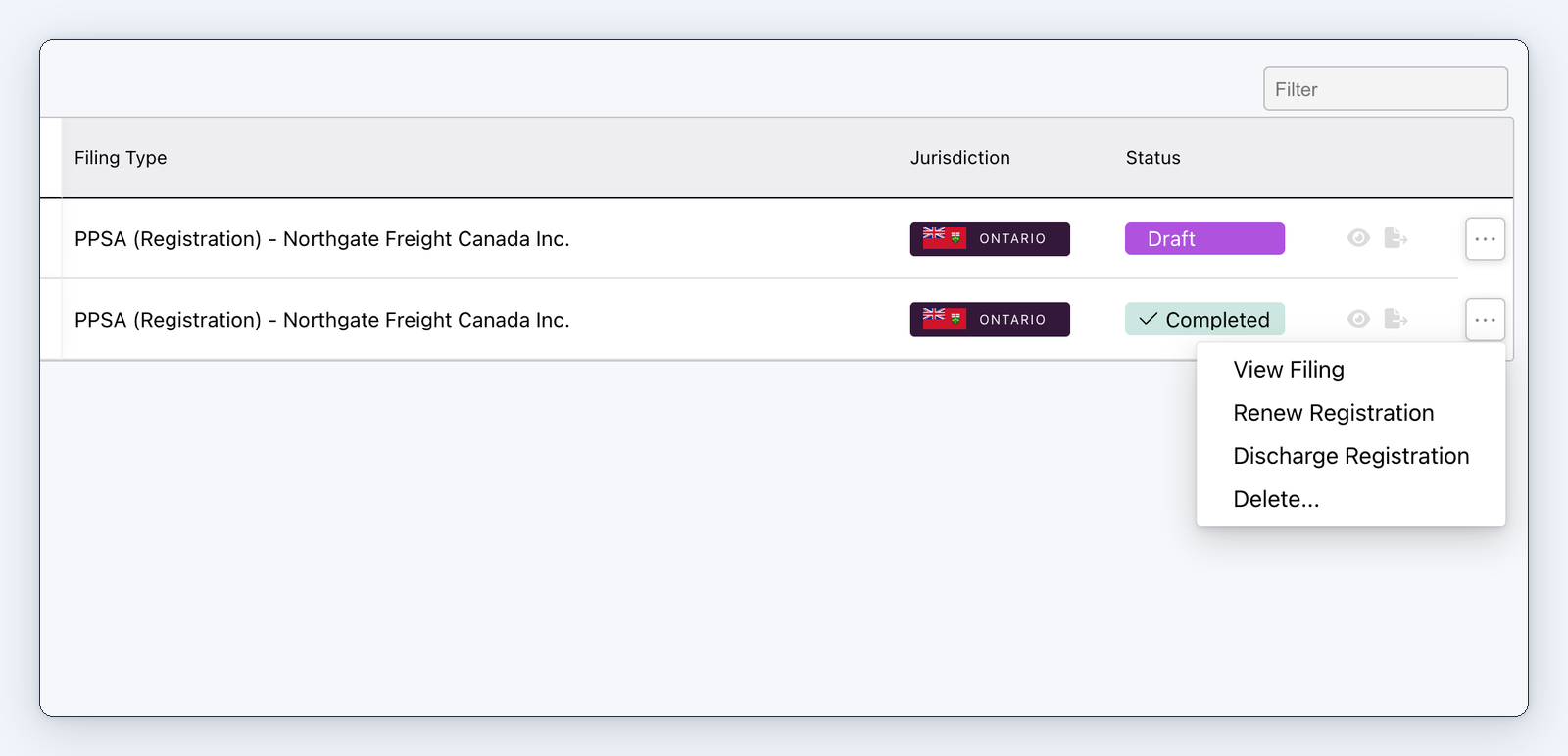
"Renew Registration" and "Discharge Registration" on a completed PPSA registration.
For Canadian PPSA filings, a completed registration or renewal now offers “Renew Registration” and “Discharge Registration”.
Each one starts a draft renewal or discharge for the same lien, already linked to the original registration, so you don’t re-enter it. Both are in the filing’s row menu and in the filing editor. A renewed lien can be renewed or discharged again from its renewal.
You then validate, submit and pay as usual. PPSA registrations, renewals and discharges are part of MinuteBox’s integrated Registry Services module.
For law firms: Renew or discharge a client’s lien from the registration you filed, without retyping its details.
For in-house teams: Keep your group’s liens current from the filings already in MinuteBox.
Proofread PPSA filings as a draft PDF
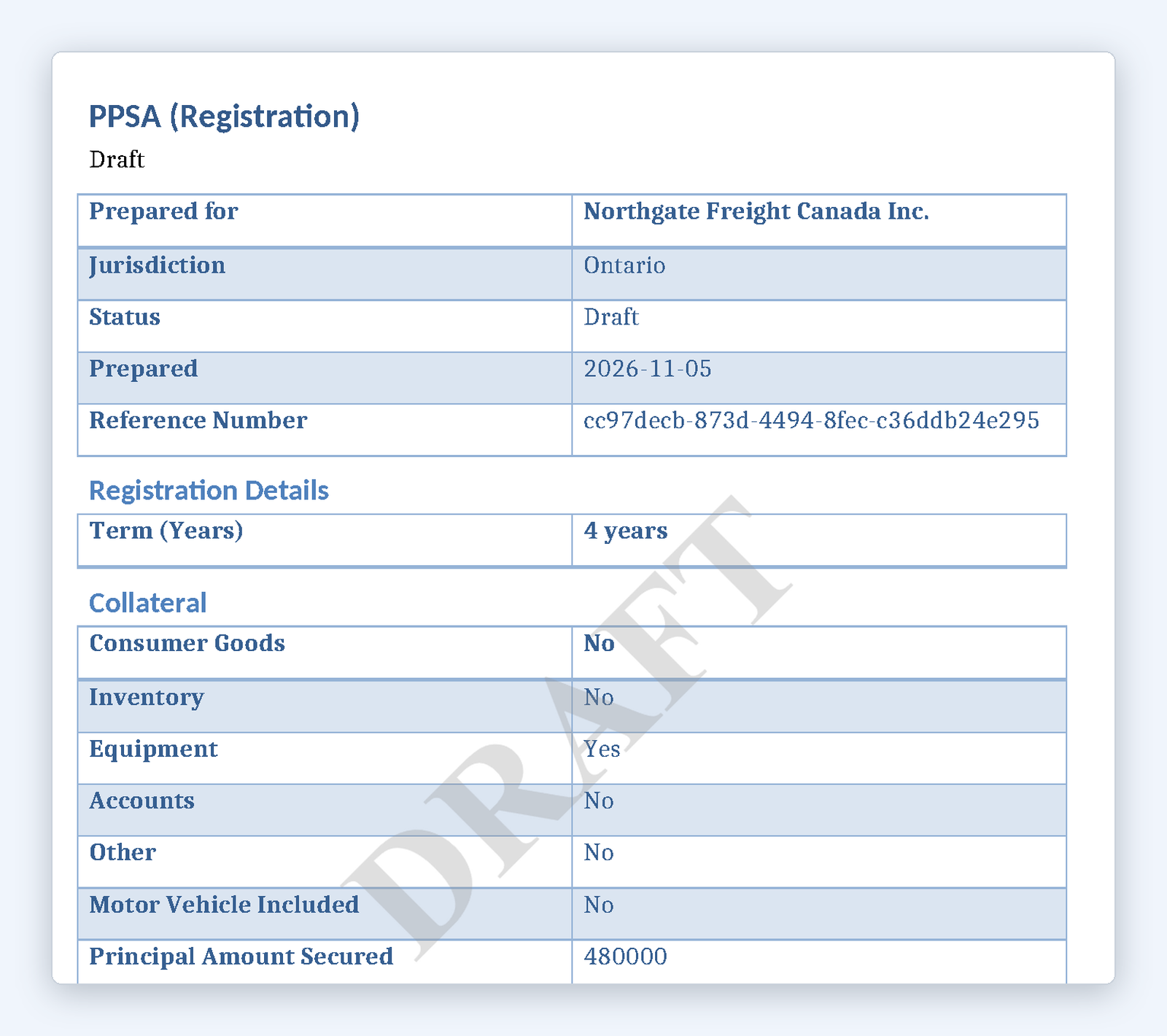
A PPSA registration's draft PDF with its DRAFT watermark.
PPSA registrations, renewals and discharges now have “Generate Draft PDF”, the same as the Ontario Business Registry filings.
It downloads a copy with a DRAFT watermark on every page, so you can check the filing before you submit it. Generating a draft never validates, submits or changes the filing.
For law firms: Send a client a watermarked draft of the lien to approve before you file it.
Smoother Ontario filings
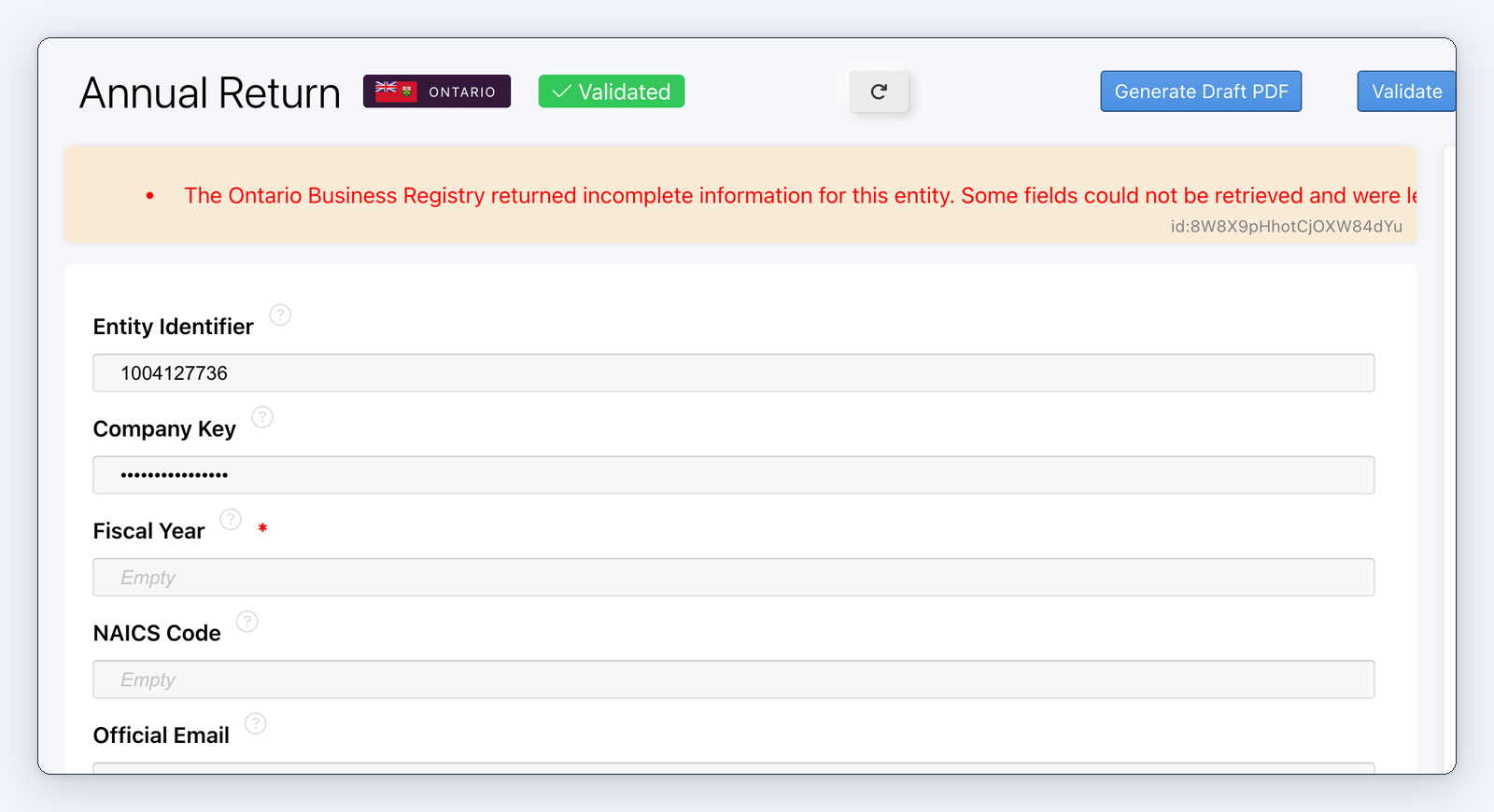
An Ontario Annual Return that validated with a warning about incomplete registry information.
An Ontario return that fails on one detail or a misfiled surname costs time to put right. Three changes keep Ontario returns and incorporations moving.
One rejected detail no longer stops an Annual Return, Initial Return or Notice of Change. The return validates with a warning and any fields the registry didn’t return are left blank for you to complete.
A blank person name is now caught before the payment step, instead of being rejected by the registry after you have paid.
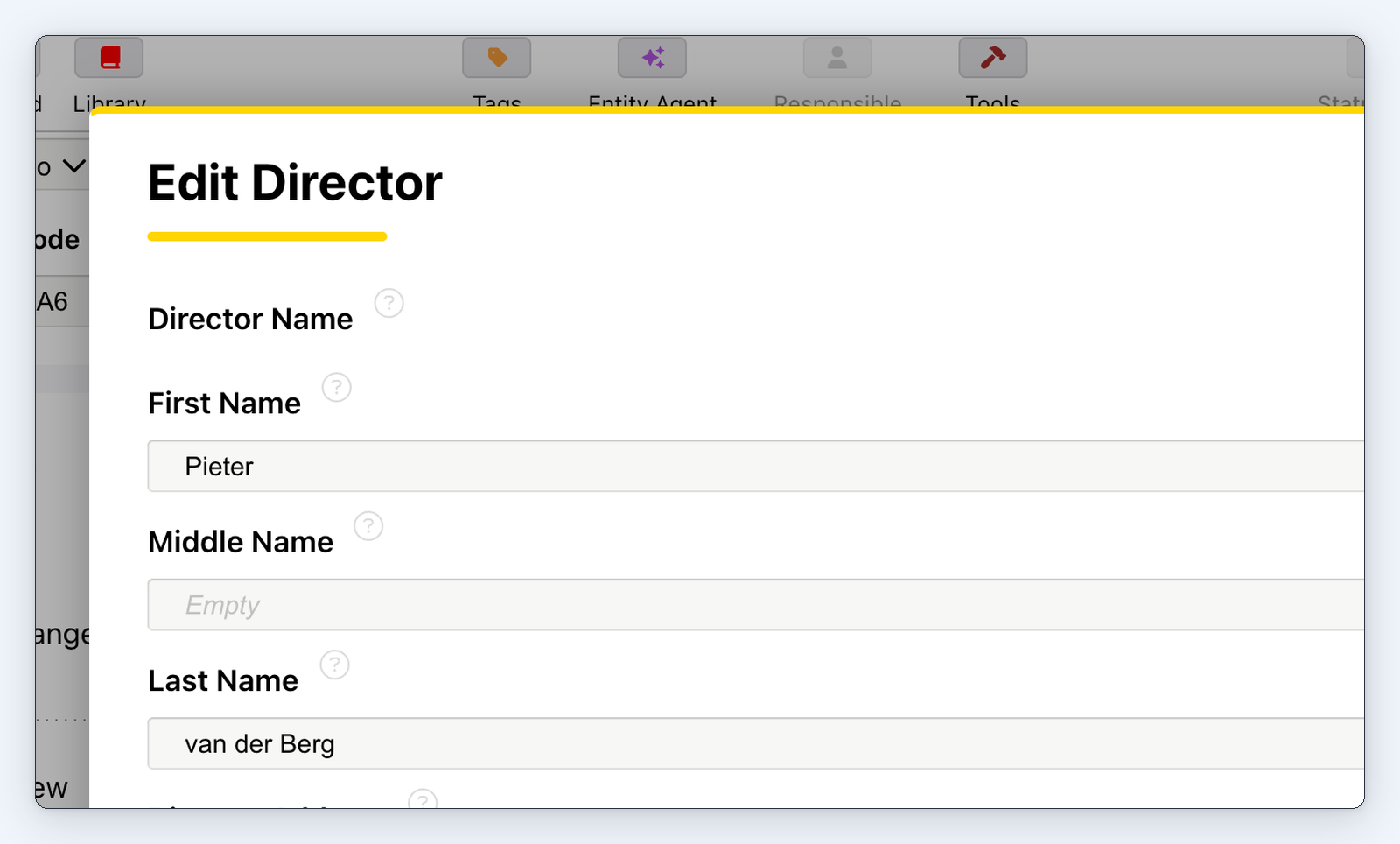
Multi-word surnames such as “van der Berg” now stay whole on the Annual Return, Initial Return and Notice of Change and on an Ontario incorporation.
A director's surname "van der Berg" kept whole on an Ontario return.
For law firms: Fewer rejected Ontario returns to explain to clients.
Choose the statuses every entity shows by default
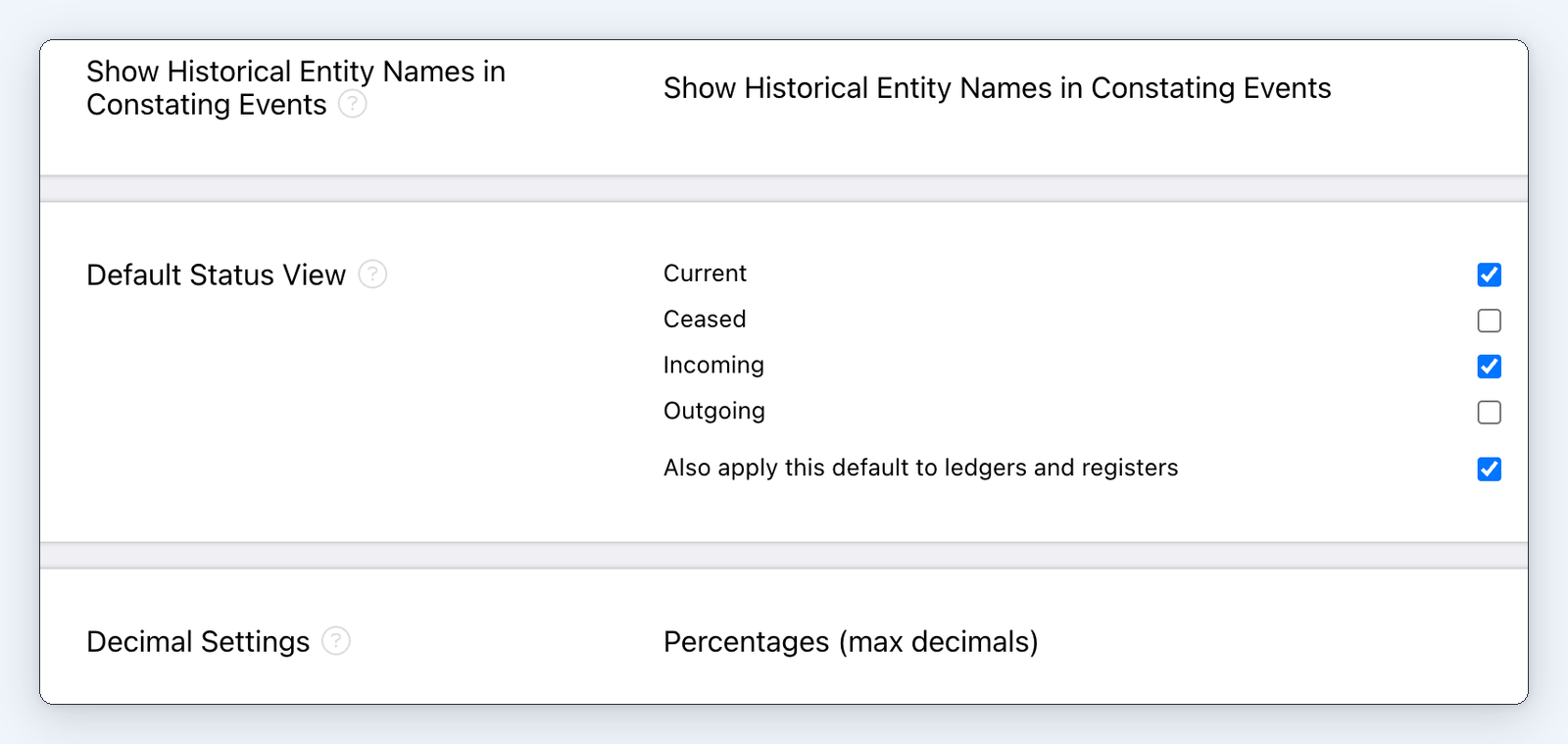
"Default Status View" in Entity Settings.
Administrators can now choose which statuses (Current, Ceased, Incoming and Outgoing) the Entity Information Summary shows by default. They can also apply the same default to the principal registers. It’s in Entity Settings, for administrators.
Anyone who picks a “Status View” on screen still sees their own choice.
Why this matters
Lien work in Canada no longer starts from a blank form. A completed registration carries its details into the renewal or discharge, and a draft PDF lets you check every PPSA filing before it goes in. Ontario returns and incorporations stop failing on details that MinuteBox can now catch or work around.
Also in this release, applying a transaction precedent that adds an existing person no longer creates a second copy of them and the “Transfer Number” fill-in now shows the number on generated documents.
There’s much more packed in this release and MinuteBox customers can read the full release notes in the Learning Hub.
See PPSA filings in MinuteBox on your own entities.