
Clio Manage integration
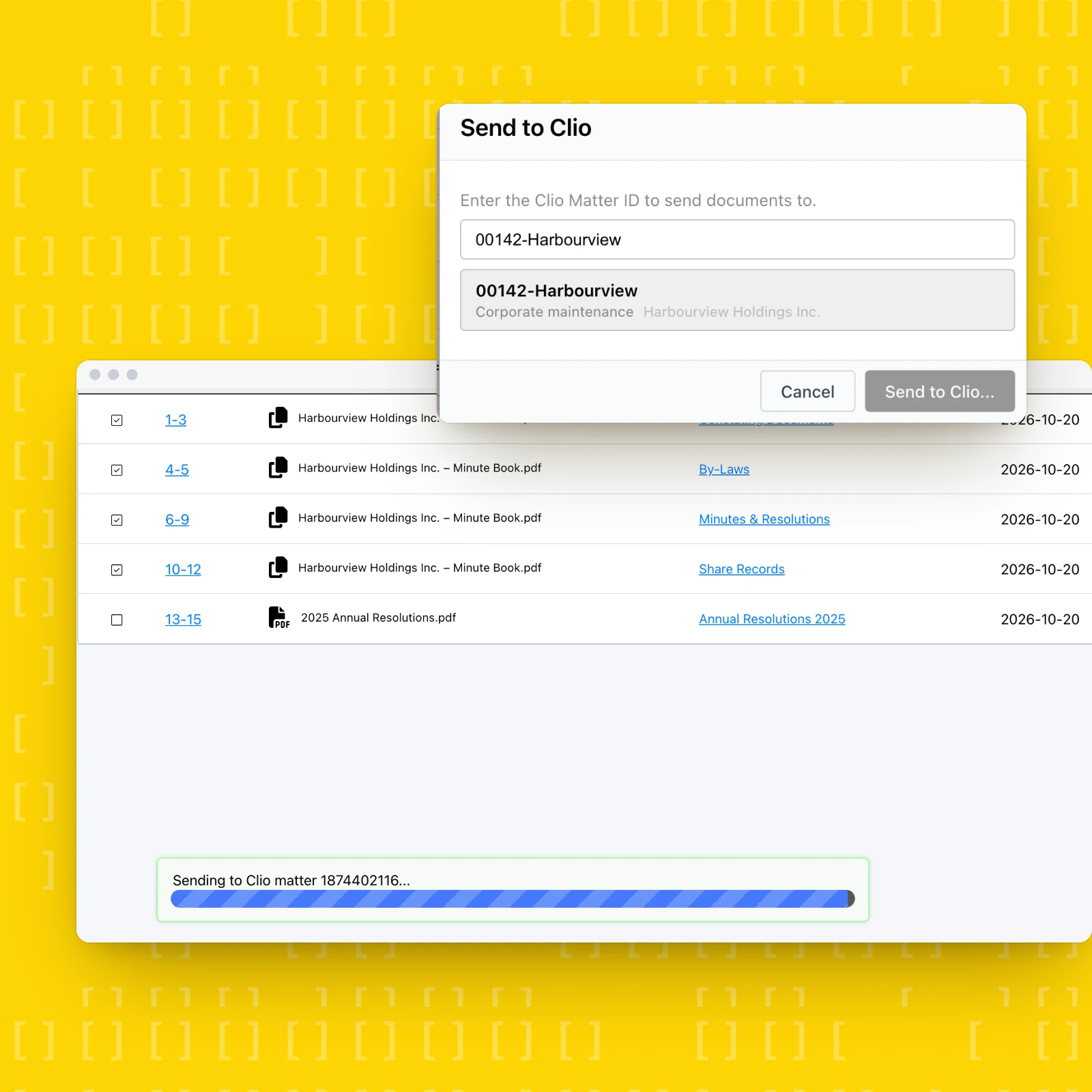
Corporate documents in the right Clio matter
Keep every corporate document in the right matter
Registry search results, filing confirmations, certificates and minute book exports go from MinuteBox into the client’s Clio matter in a couple of clicks. No more downloading, renaming and re-uploading files between systems.
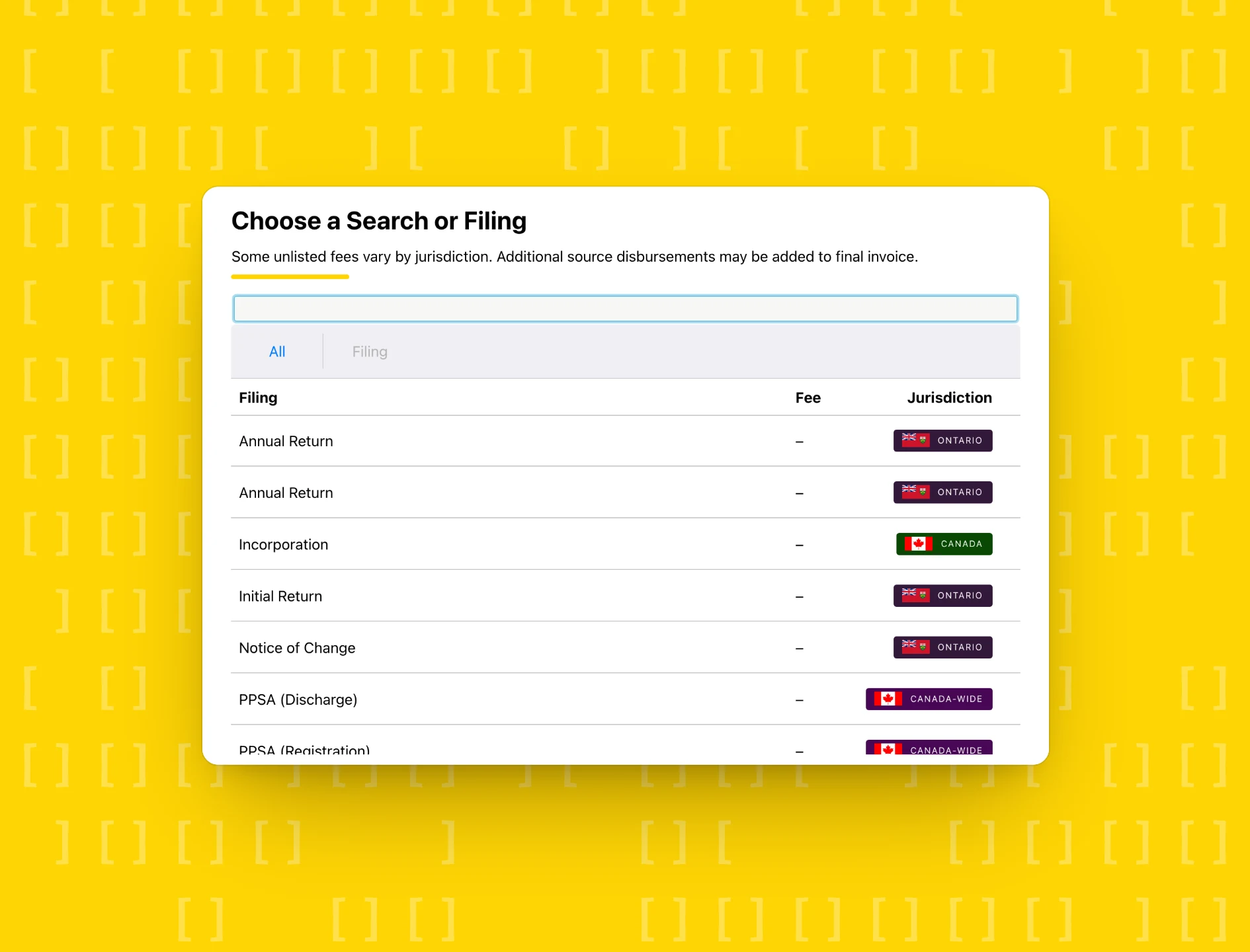
Search and file with registries in Canada, the US and the UK
Order corporate searches and complete filings like annual returns and incorporations with registries in Canada, the US and the UK from one place, then send the returned documents to Clio. Corporate clerks spend less time on registry portals and more time on billable work.
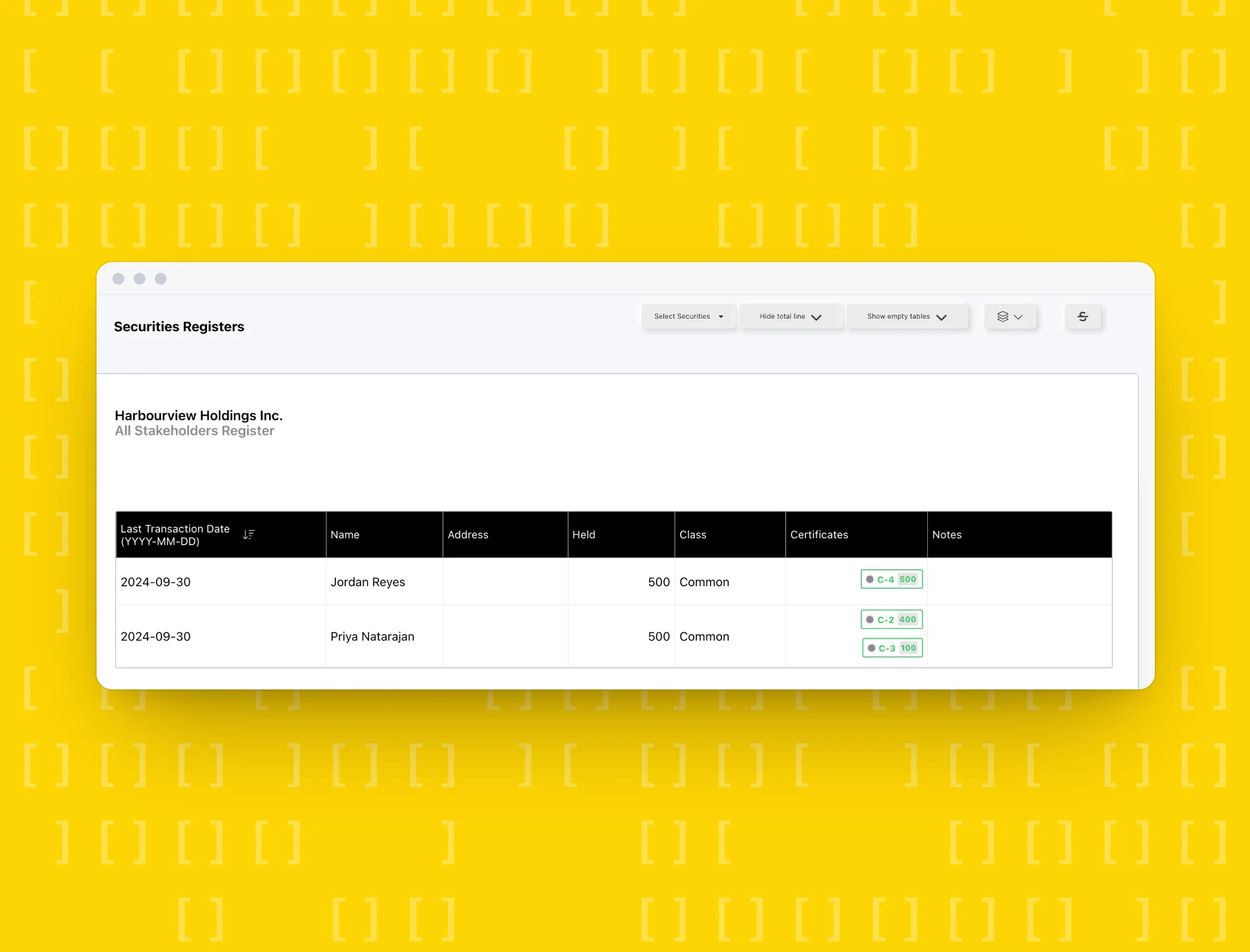
A live, audit-ready minute book for every client
Track directors, officers, shareholders and share registers in a digital minute book that stays current. Export the full book or selected sections to Clio whenever a client, auditor or buyer needs it.
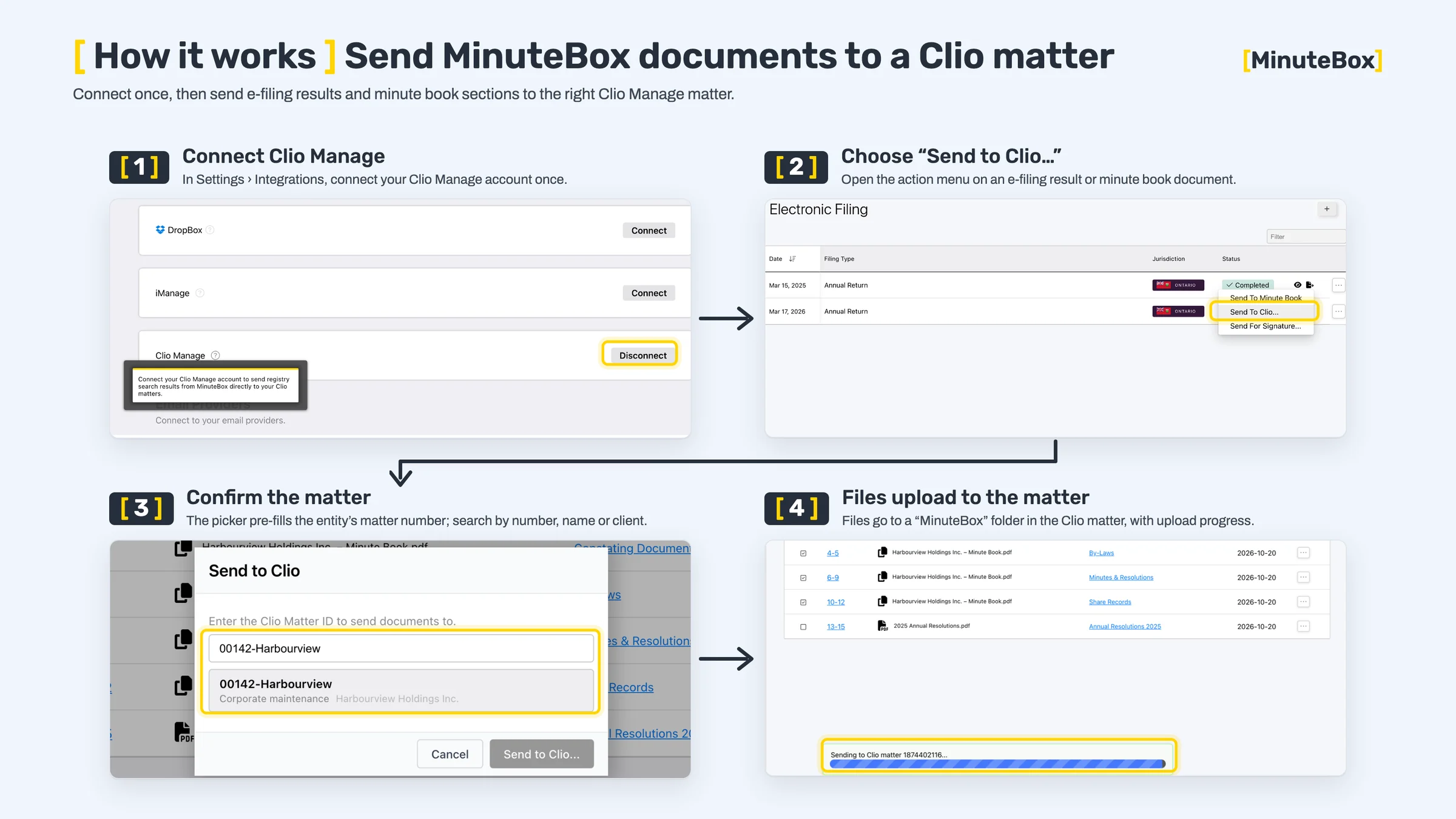
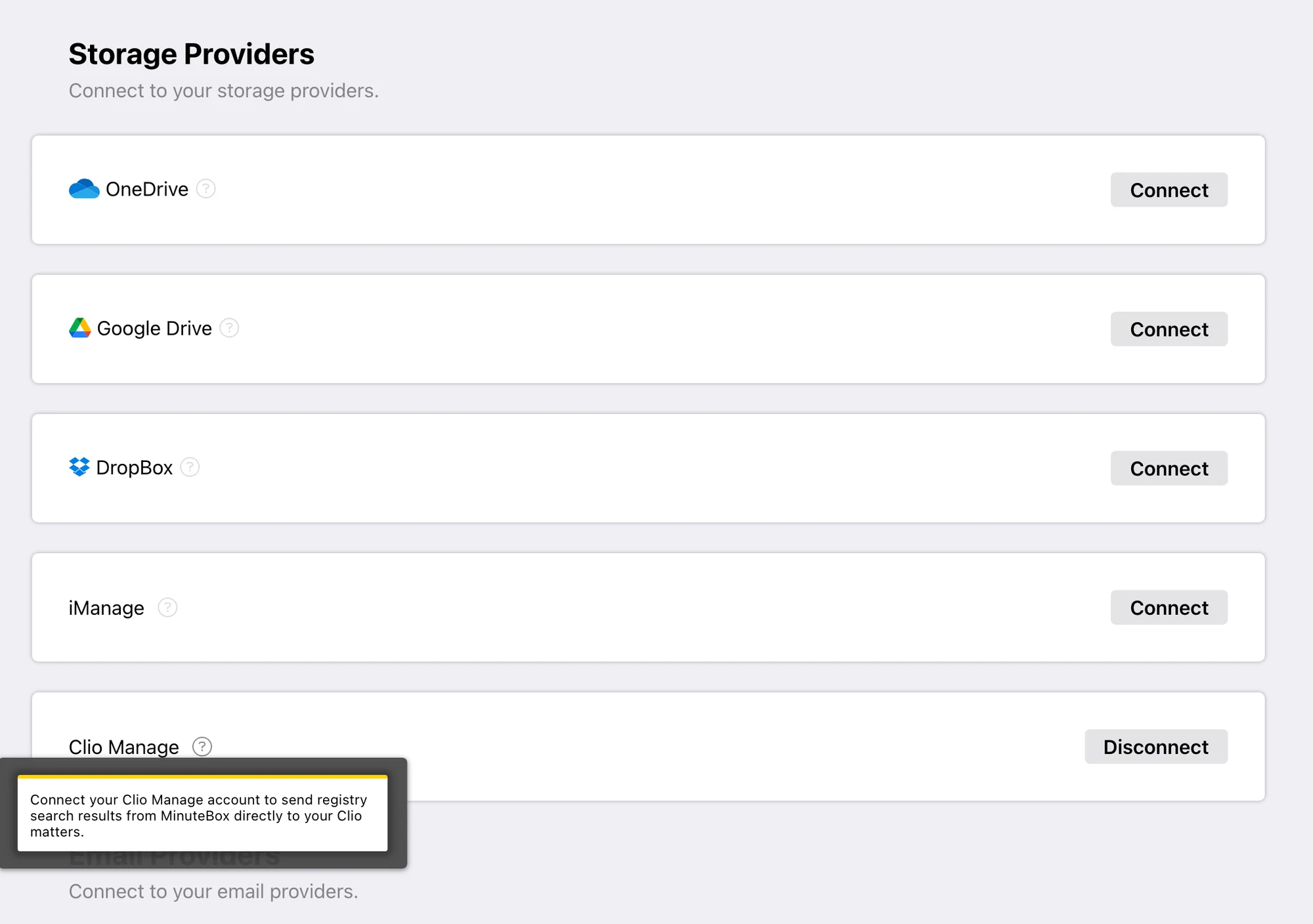
- Connect Clio Manage: In MinuteBox, go to Settings › Integrations and connect your Clio Manage account. You only do this once.
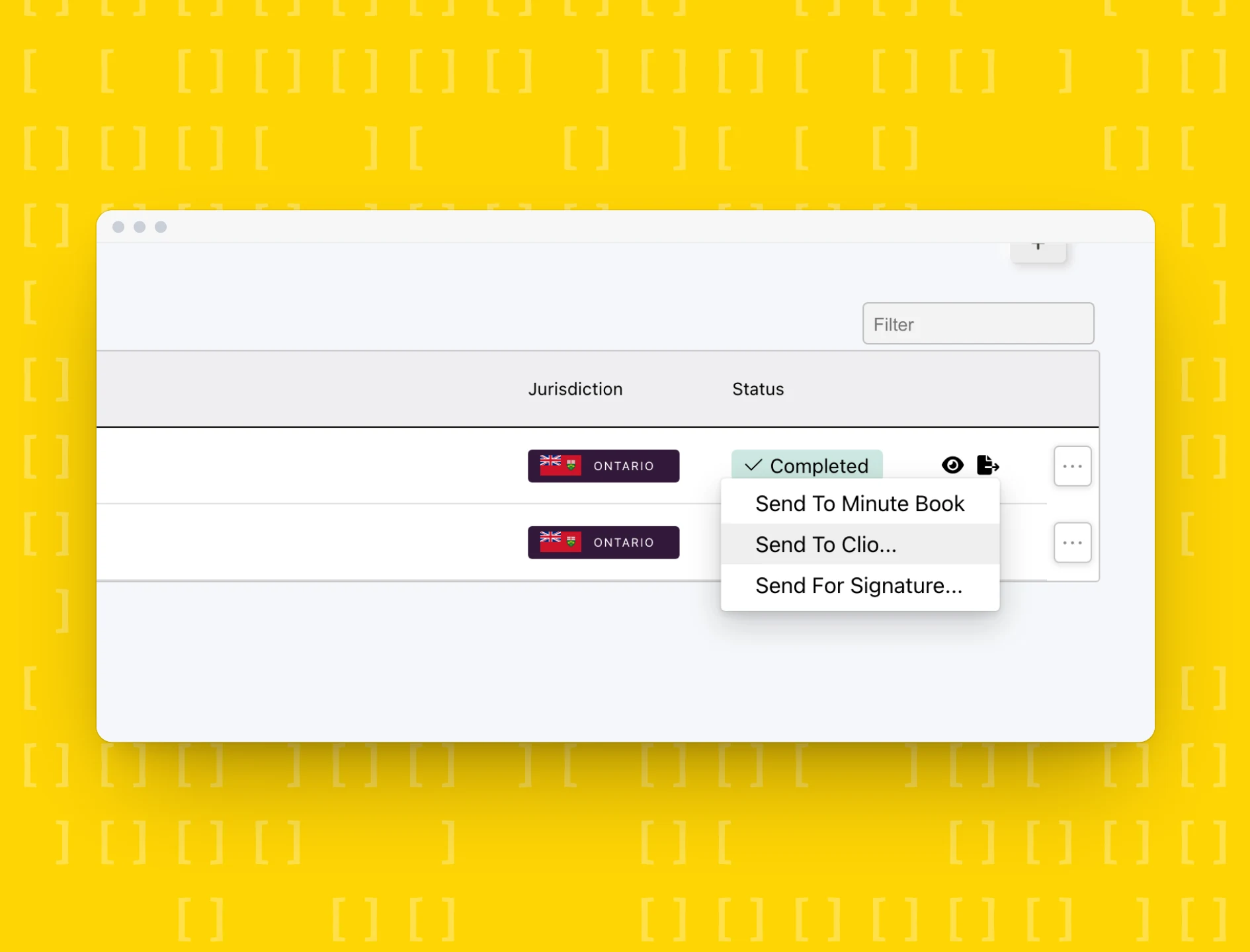
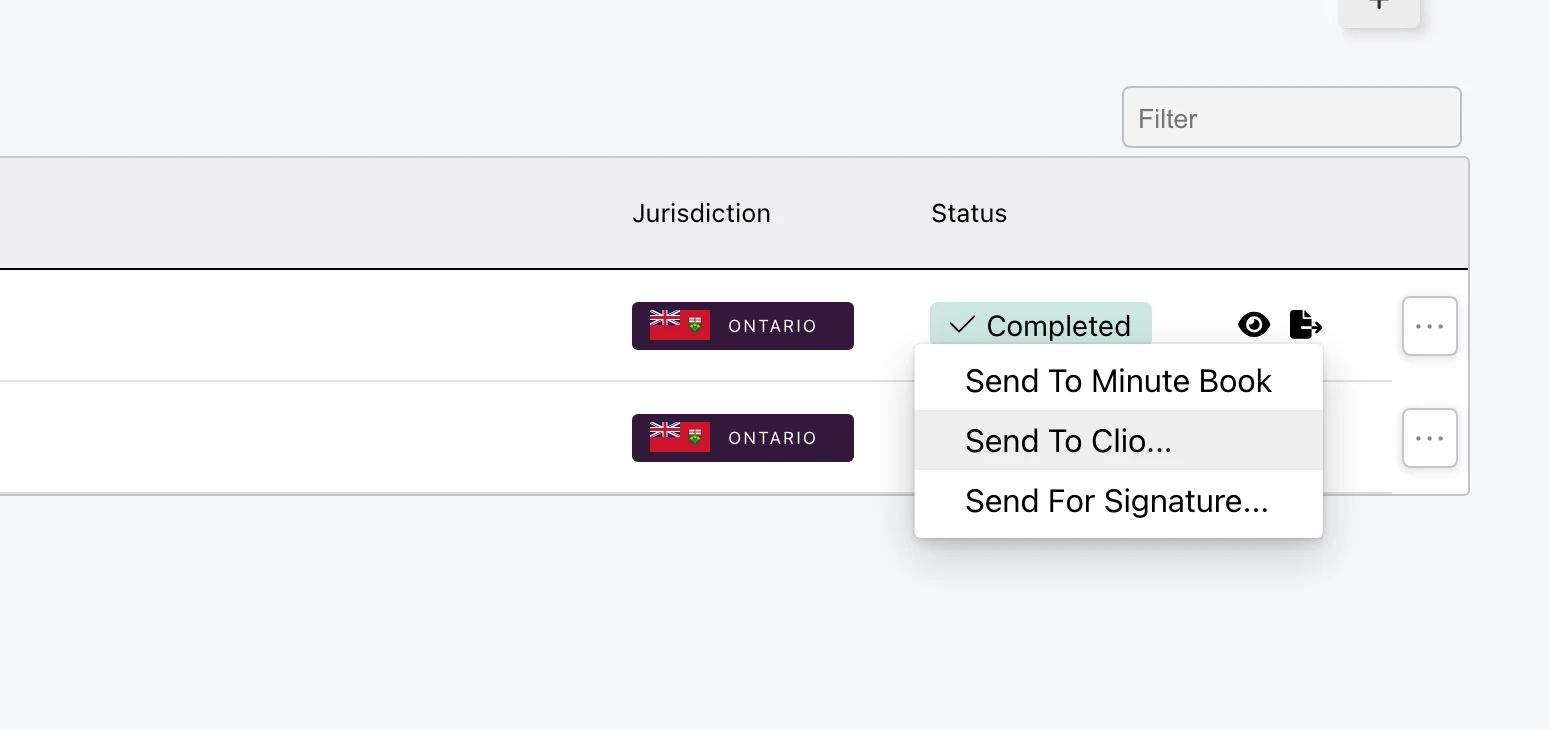
- Choose “Send to Clio…”: Open the action menu on an e-filing result, a minute book document, an entity’s uploaded documents or a document export.
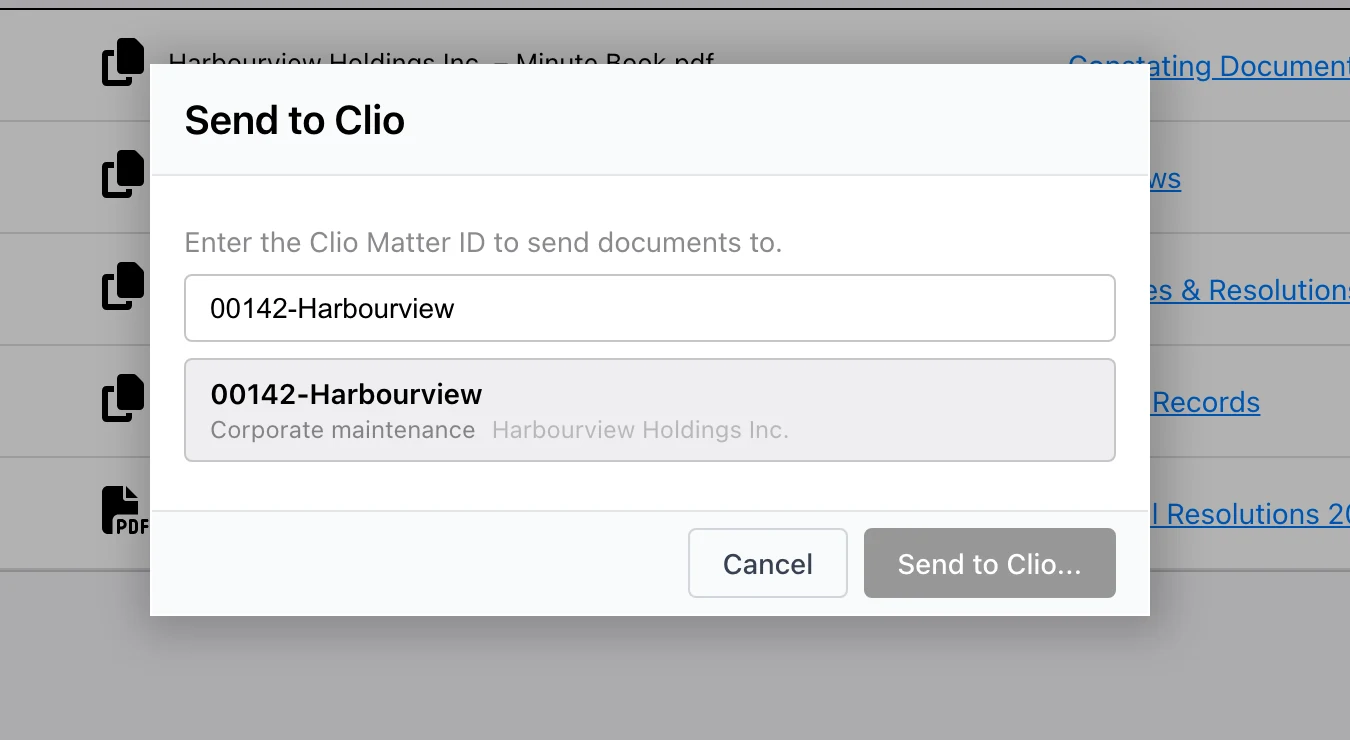
- Confirm the matter: The picker pre-fills the entity’s matter number. You can also search by matter number, name or client.
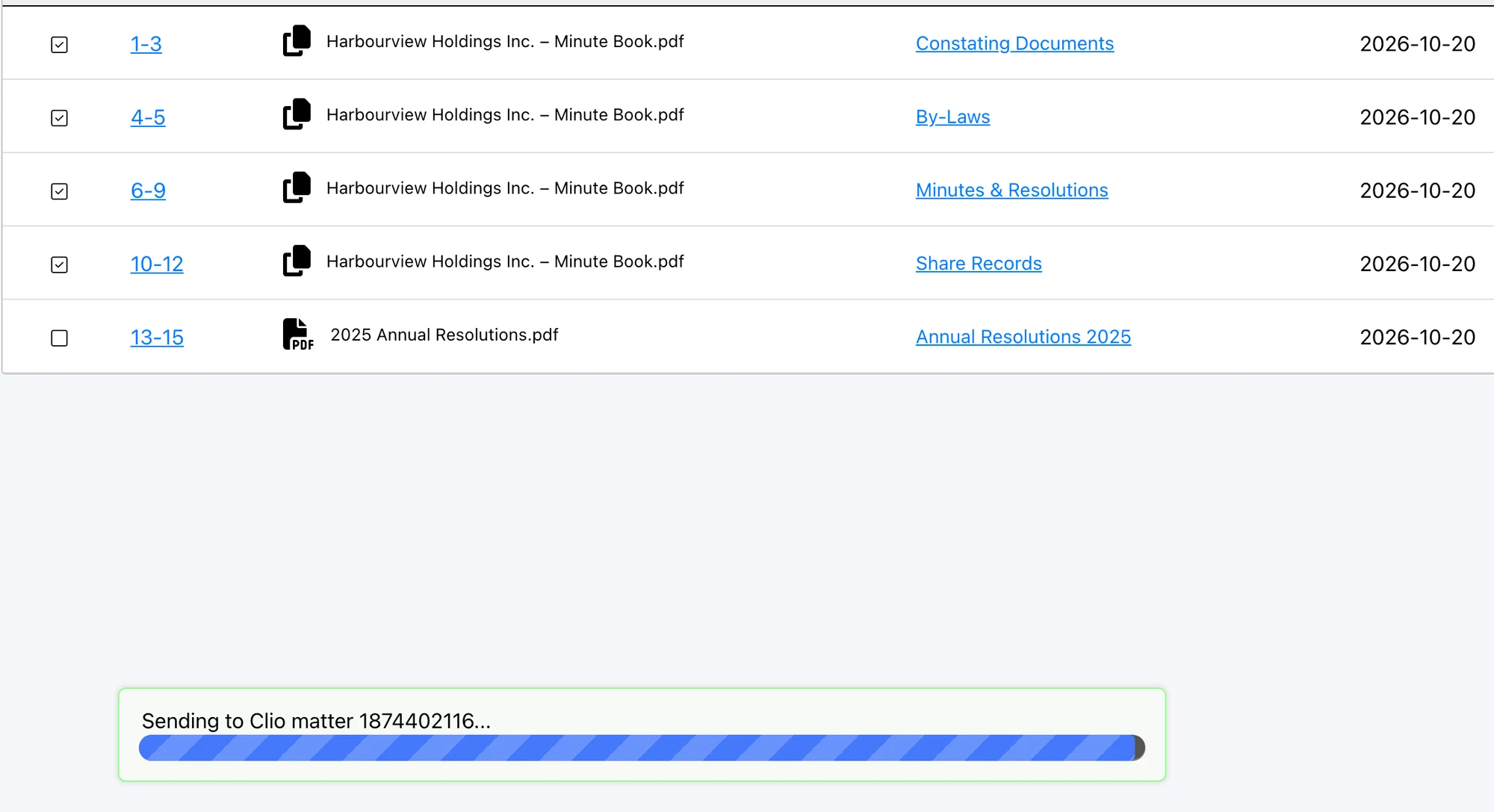
- Files upload to the matter: Documents go to a “MinuteBox” folder in the Clio matter, with upload progress shown in MinuteBox.
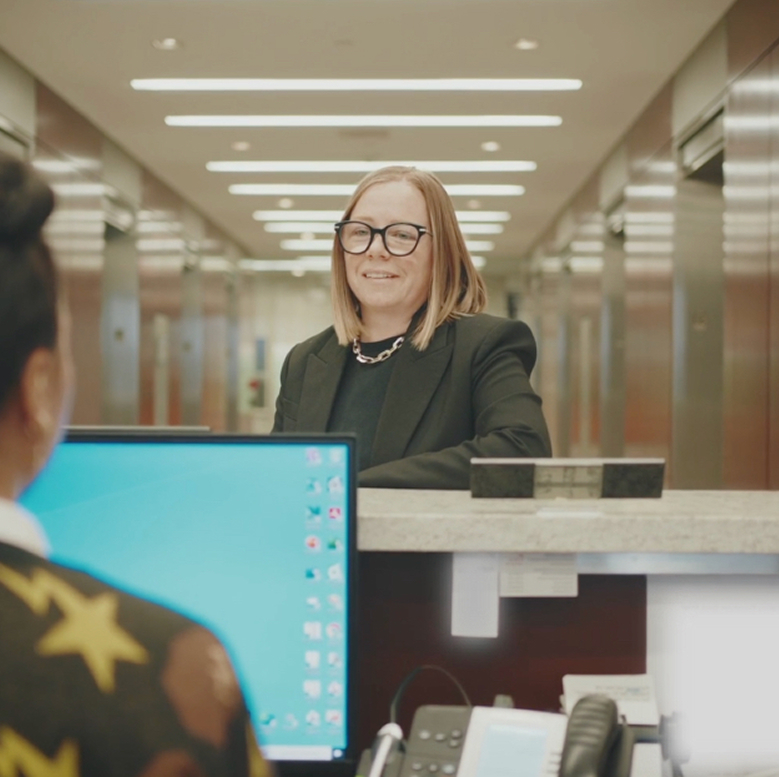

MinuteBox has made life so much easier. It’s super quick compared to our previous platform. Everything is in one spot.
Amanda Innes
Senior Corporate Law Clerk